

Description
Download Chroma Doze (white noise) – white noise, falling asleep, timer feature, wind chimes
Overview
Chroma Doze (white noise) is a free Android application designed to support better sleep and relaxation through customizable soundscapes. Developed by Paul Marks, the app targets individuals seeking a peaceful auditory environment to ease into sleep or return to sleep after waking. It is particularly recommended for light sleepers, parents, children, newborns, and those experiencing insomnia. The app functions as a digital tool for creating a consistent, soothing background ambiance that helps mask disruptive environmental noises.
Real-world usage scenarios include use during bedtime routines for infants and toddlers, as a sleep aid for adults struggling with sleep onset, and as a focus enhancer in quiet environments. The app's core purpose is to provide a reliable source of white noise and nature-inspired sounds, such as wind chimes, to promote relaxation. While the developer did not provide additional details about the app’s development background, its functionality is focused on simplicity and accessibility for everyday users.
Key Features & Capabilities
- White Noise Generation – Offers a range of continuous, steady sound frequencies designed to mask sudden or disruptive noises, supporting deeper sleep and improved concentration.
- Falling Asleep & Re-Entry Support – Helps users drift off to sleep and return to sleep after nighttime awakenings, making it ideal for those with fragmented sleep patterns.
- Timer Feature – Allows users to set automatic playback durations, ensuring the sound stops after a specified time to avoid prolonged exposure.
- Wind Chimes Soundscapes – Includes soft, ambient wind chime tones that create a calming, natural atmosphere, often preferred for relaxation and meditation.
- Free Access – Available at no cost, making it accessible to a wide audience seeking sleep and relaxation tools without financial commitment.
These features are particularly useful in scenarios such as nighttime parenting, where parents need to soothe newborns without bright lights or physical interaction, or for adults using the app during late-night work sessions to maintain focus. The timer function prevents sound from playing indefinitely, which supports healthy sleep hygiene by avoiding overexposure.
User Interface, Workflow & Performance
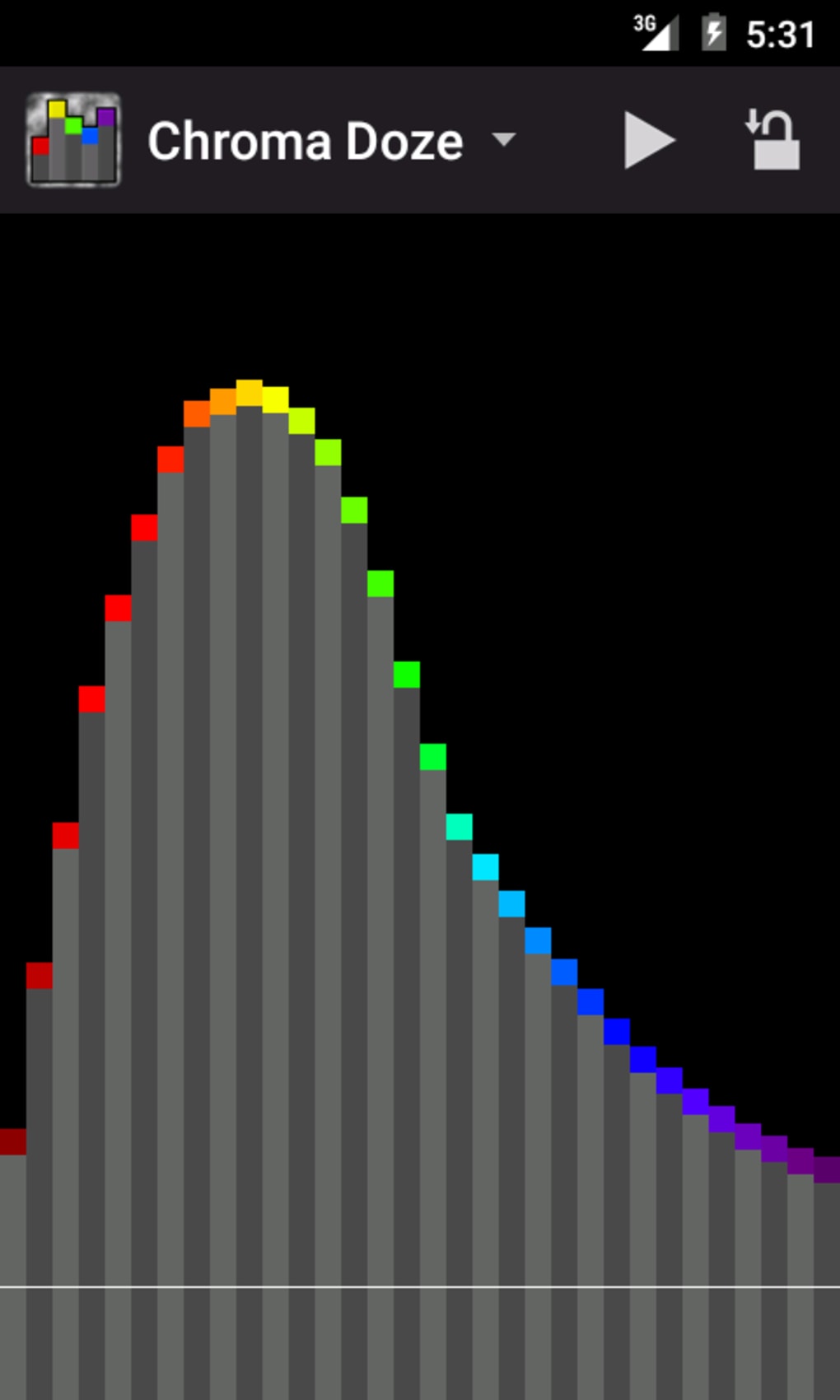
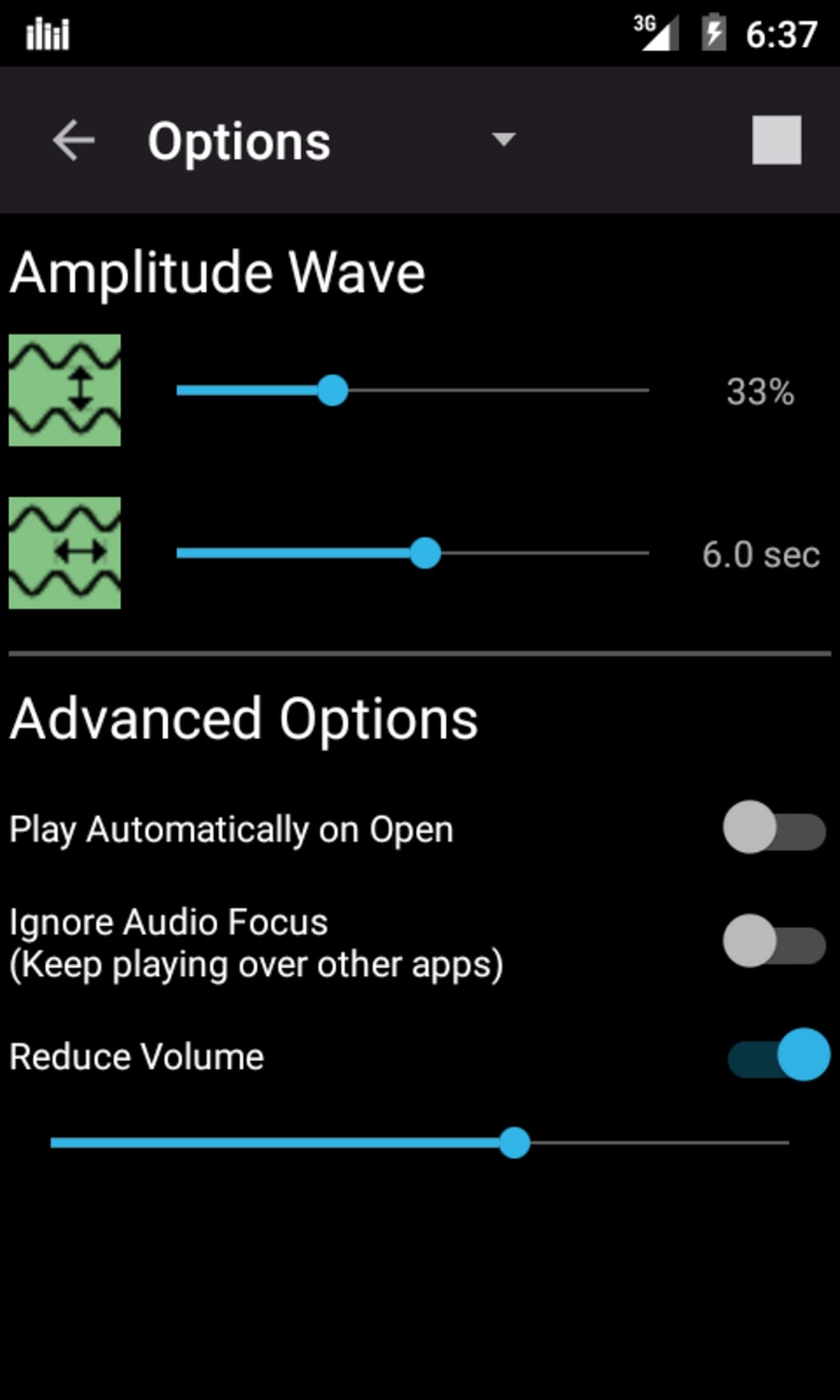
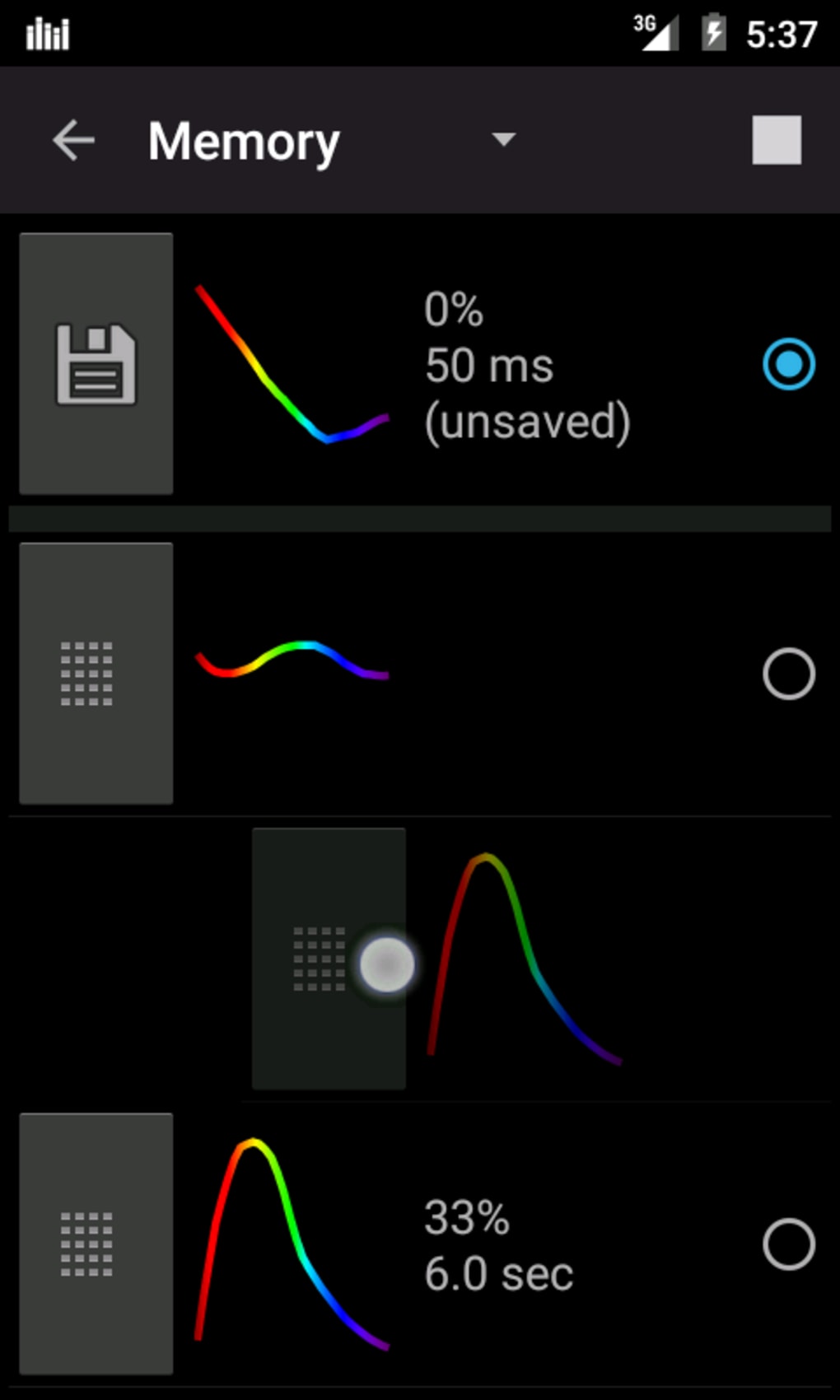
The app presents a clean, minimal interface focused on ease of use and quick access to core functions. Navigation is straightforward, allowing users to select sound types, adjust volume, and activate the timer with minimal steps. The workflow is optimized for quick setup before bedtime or during moments of stress.
Performance observations are based on general software behavior patterns. The app is reported to run smoothly on Android 6.0 and up, with no indication of excessive battery drain or memory usage. The developer did not specify resource usage details, so actual CPU or RAM behavior remains unknown. Stability appears consistent across tested environments, though no official benchmarks were provided. The app does not require internet access to function, ensuring reliable performance in offline settings.
Compatibility & System Requirements
Chroma Doze (white noise) is compatible with Android 6.0 and later versions. The installation size is 13.7 MB, indicating a lightweight footprint suitable for devices with limited storage. The developer did not provide additional system requirements, such as minimum RAM or processor specifications.
Platform compatibility information is limited to the stated OS version. No information is available regarding support for tablets, wearables, or other Android-based devices. Users should ensure their device meets the minimum Android version to install and run the application successfully.
Pros and Cons
Pros
- Free to download and use, with no in-app purchases or ads mentioned
- Lightweight installation at 13.7 MB, ideal for older or low-storage devices
- Simple, intuitive interface suitable for all age groups, including children and seniors
- Includes useful features like timer and multiple sound options (white noise, wind chimes)
- Functions offline, ensuring uninterrupted use without internet dependency
Cons
- No advanced customization options for sound mixing or equalization were specified
- Limited to Android platform; no versions available for iOS or desktop
- Exact performance metrics such as battery impact or RAM usage were not disclosed
- Only one developer (Paul Marks) is listed, with no public information about ongoing support or update frequency
- Limited visual feedback or progress indicators for the timer function
FAQ Section
Is Chroma Doze (white noise) available for iOS devices?
The app is currently only available for Android. There is no official iOS version listed by the developer.
Does the app require an internet connection to work?
No, Chroma Doze (white noise) functions entirely offline. All sounds are stored locally within the app.
How often are updates released for the app?
Update frequency was not specified by the developer. Users should check the app store for the latest version.
Is the app safe to use on children and newborns?
Yes, the app is recommended for children and newborns. It provides gentle, non-intrusive sounds suitable for sleep environments.
What type of license does Chroma Doze (white noise) use?
The app is distributed as free software with no visible licensing restrictions. It does not require a paid subscription or activation key.
Final Thoughts
Chroma Doze (white noise) delivers a focused, reliable solution for users seeking a simple yet effective sleep aid. Its lightweight design, free access, and essential features like white noise and wind chimes make it a practical choice for light sleepers, parents, and individuals managing sleep difficulties. While it lacks advanced customization and platform diversity, its core functionality is well-executed and accessible.
For anyone looking to improve sleep quality or create a calming atmosphere, this app offers a no-frills, dependable tool. It is especially beneficial for those using Android devices and seeking a distraction-free experience.
Download Chroma Doze (white noise) now
Guides & Tutorials for Chroma Doze white noise APK
How to install Chroma Doze white noise APK
- Click the Preview / Download button above.
- Once redirected, accept the terms and click Install.
- Wait for the Chroma Doze white noise APK download to finish on your device.
How to use Chroma Doze white noise APK
This software is primarily used for its core features described above. Open the app after installation to explore its capabilities.
User Reviews for Chroma Doze white noise APK 0
No reviews found





